June 11, 2026
How Does TikTok LIVE Work?
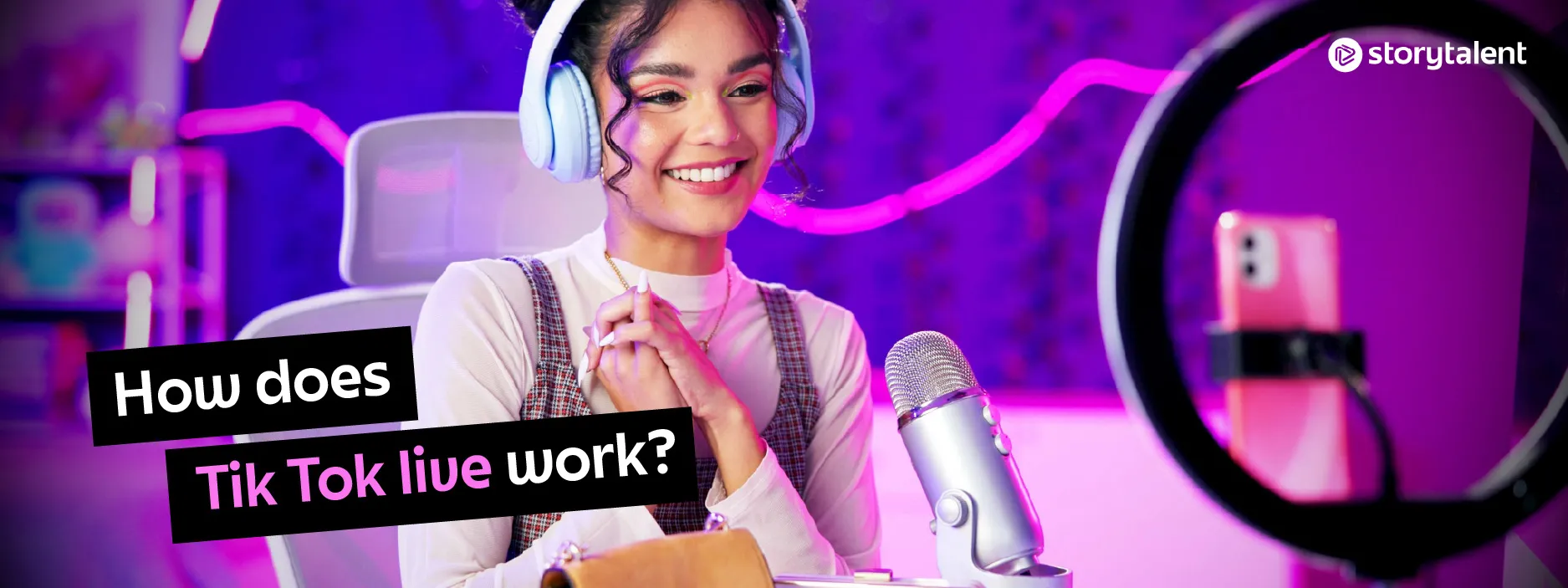
Going live on TikTok is one of the fastest ways to boost engagement, grow your audience, and build a loyal community. Unlike pre-recorded videos, TikTok LIVE allows real-time interaction, making it easier to connect with followers, answer questions, and keep people hooked for longer.
This guide covers everything from setting up a high-quality live stream to keeping viewers engaged and growing your TikTok LIVE audience organically. If you want to improve your reach, attract more followers, and create compelling live sessions that stand out, keep reading.
What is TikTok LIVE?
TikTok LIVE is TikTok's live-streaming feature, giving content creators the chance to connect directly with their followers. You can respond to comments and questions, and if you've mastered the hustle, you can receive virtual gifts that can be redeemed for real money.
TikTok LIVE burst onto the scene as a direct competitor to well-established live streamers like Facebook Live and Instagram Live.
How do I get TikTok LIVE?
To qualify for TikTok LIVE, you'll need at least 1,000 followers. Once you've met that requirement, anyone aged 16 or older can start streaming with TikTok LIVE. And if you're over 18, you can earn TikTok LIVE Gifts — more on those in a minute.
How do you go live on TikTok?
As long as you're eligible, you can access TikTok LIVE like this:
- Open the TikTok app and tap the create button (+) at the bottom of your screen.
- Tap "LIVE" in the menu.
- You'll see a preview of your video feed. In that preview, you can give your live stream a title, turn comments on or off, add effects and filters, choose a charity to support, and share your TikTok LIVE video across your connected social platforms.
- Once you're ready, hit "Go LIVE" and dive in!
When your TikTok LIVE video ends, tap the power button at the bottom of the menu screen and your stream will end. If you want to replay, download, or delete your TikTok LIVE video, tap "Settings and privacy," then "LIVE Replay."
What are TikTok LIVE Gifts?
If viewers want to reward their favorite creators with cold, hard cash, they can do it with TikTok LIVE Gifts.
To receive TikTok LIVE Gifts, you need at least three TikTok posts that have racked up more than 1,000 views in the last 30 days, plus 1,000 or more followers.
Viewers pay for TikTok Coins, which they use to buy "gifts" to send during your TikTok LIVE videos. These can be anything from a tennis ball to a cute Corgi. Once you earn a certain number of TikTok LIVE Gifts, they can be converted into "Diamonds," which you can redeem for real currency.
To turn on TikTok LIVE Gifts, you need to be part of the TikTok Creator Next program. Once you're ready to set up TikTok LIVE Gifts, head to the menu in the top-right corner of your profile. Tap "Creator tools," select "LIVE Gifts," then follow the on-screen instructions. After that, you should be set to start earning money from TikTok LIVE Gifts.
Why can't I go live on TikTok?
If you can't use TikTok LIVE, it could be for several reasons:
- You may have lost some followers. If your follower count has dropped below 1,000, you'll lose access to TikTok LIVE.
- You could be in a country that doesn't allow TikTok LIVE. Platform availability varies by region and changes over time, so if the feature is restricted where you are, you won't be able to create or upload TikTok LIVE videos.
- Your TikTok app may be out of date. Check for updates, reinstall the app, restart your phone — run through the usual routine. Sometimes you simply miss an update and your device can't handle it.
If you have more than 1,000 followers, you're in an area that supports TikTok LIVE, your app is up to date, and you still can't access it, it's best to contact TikTok's support team.
To do that, go to your profile, open "Settings and privacy" from the menu in the top-right corner, then scroll down to "Report a problem." Here, you'll see the "LIVE" section. Tap "I can't start a LIVE," describe your issue, and submit your response. Someone from TikTok will review your case and, hopefully, get it sorted.
How long does a TikTok LIVE ban last?
Most TikTok LIVE bans are temporary, lasting anywhere from a day to two weeks. If you've received a temporary ban, you can see how many days you have left in the "Live streaming restrictions" section.
Once you've served your time, you'll be allowed back on TikTok LIVE with the same privileges you had before the ban.
More serious offenses, however, can result in a permanent ban. Unless appealed, this ban lasts forever — you won't be allowed to use TikTok LIVE again.
If you feel you've been banned unfairly, you can reach out to TikTok much like you would for general TikTok LIVE troubleshooting: head to "Report a problem," then "LIVE," then "Host LIVE," and finally "LIVE is suspended." If your issue isn't answered there, you can describe it in detail in the text field.
You can receive a TikTok LIVE ban for:
- Threatening practices, including weapons, illegal substances, and more.
- Hate speech against individuals or communities.
- Plagiarized content, whether it's the entire stream or just part of it.
- Excessive use of profanity during the stream.
- Anything else that could be considered a violation of TikTok's Community Guidelines or Terms of Service.
That said, accidents happen. Viewers can report your stream for the wrong reason, TikTok's algorithm can mistakenly flag your content, or a TikTok moderator might misread something. If you think that's happened to you, get in touch with TikTok and they'll review your case.
How to make better TikTok LIVE videos
Once you're ready to go live on TikTok LIVE, it's worth keeping the following tips in mind.
Timing matters
Consider promoting your TikTok LIVE video before it happens, using regular TikToks and your other social channels to spread the word. As for when to go live, choose a time that works best for your audience. If most of your viewers are in France, there's no point starting your TikTok LIVE video when everyone's asleep. Learn more about your audience with TikTok Analytics.
Keep your TikTok LIVE video short and sweet
There's no hard-and-fast rule on exactly how long a TikTok LIVE video should be, but 30 minutes has proven to work well. It's about the same length as a light Netflix episode — long enough to deliver value, but short enough that people will commit to watching.
Post a video right before going live
If viewers see one of your TikTok videos while you're live, they'll be notified that your stream is happening. This means they can access your TikTok LIVE video directly from their For You feed, instead of having to search the LIVE section. You can give viewers an extra nudge with a LIVE countdown sticker, which you can add to your regular TikToks.
Set the agenda
Assign a LIVE Topic to your TikTok LIVE video so people know what to expect. You can also hint at what you'll discuss throughout your other TikTok content.
Team up
Consider adding another host and using TikTok LIVE with a second content creator. This way, you can draw in two different audiences, have a face-to-face conversation, and hopefully win over some new fans.
Host a Q&A
Once your TikTok LIVE video is up and running, you can tap the Q&A button — it looks like a speech bubble. This turns the session into a true Q&A, letting you pick viewer questions and display them on your TikTok LIVE video for everyone to see.
Make sure your internet connection is stable
It would be a disaster if your TikTok LIVE video started lagging mid-stream. Check, check, and double-check your internet connection before streaming to make sure it can handle TikTok LIVE.
Check your microphone
You can probably get by with your smartphone's built-in microphone, as long as you're in a quiet space. But if you're streaming a TikTok LIVE video from a busy street, you might need something more substantial. Check out our guide to lavalier microphones for details on the small, discreet mics that will do your sound justice.
Have fun and be yourself!
It's good to know what you're going to say in advance, but there's no need to stick rigidly to a script when filming a TikTok LIVE video. People are tuning in to interact with you — they're investing their time in your life, so it makes sense to return the favor. Answer questions, give shout-outs, and make people feel welcome.
Disponible en otros idiomas:
Leer en Español